- On the main screen, the user can
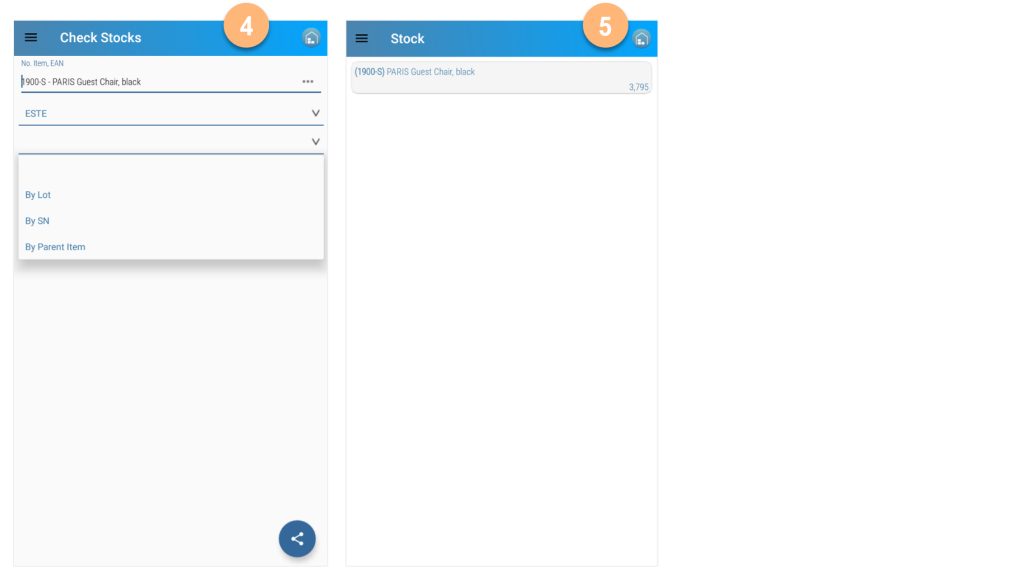
- Read the item reference, EAN, or Cross Reference to select the item
- Select the location (blank will show stock for all locations)
- Show the stock by batch or serial number or size and color grid.
- In the item search option, a manual filter can be done by writing the description and pressing enter.
- Manual search using reference code.

- After selecting the item, select another location or use the default user location.
- Stock information of the item