From version 29 you can select Additional Fields to be shown and edit from your IM Warehouse Basic device
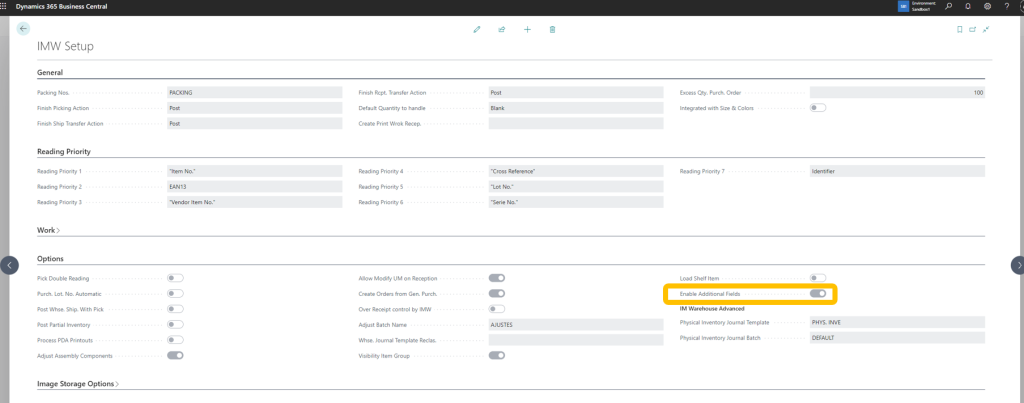
Enable Additional Fields
From the main menu select IMW Setup

Enable Additional Fields option
Additional Fields Setup
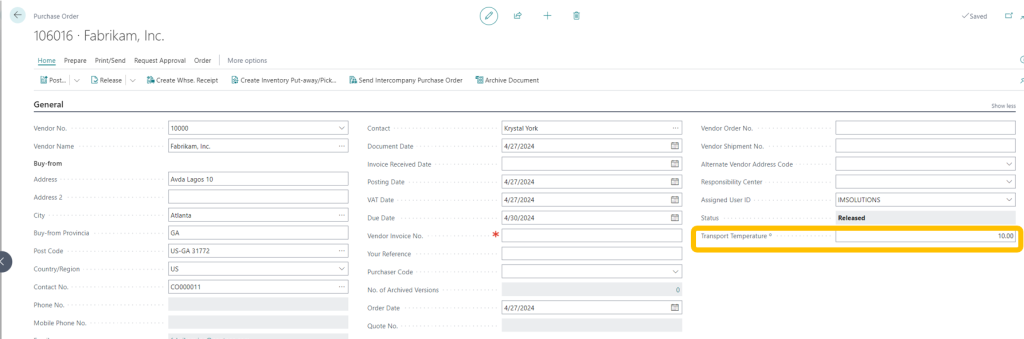
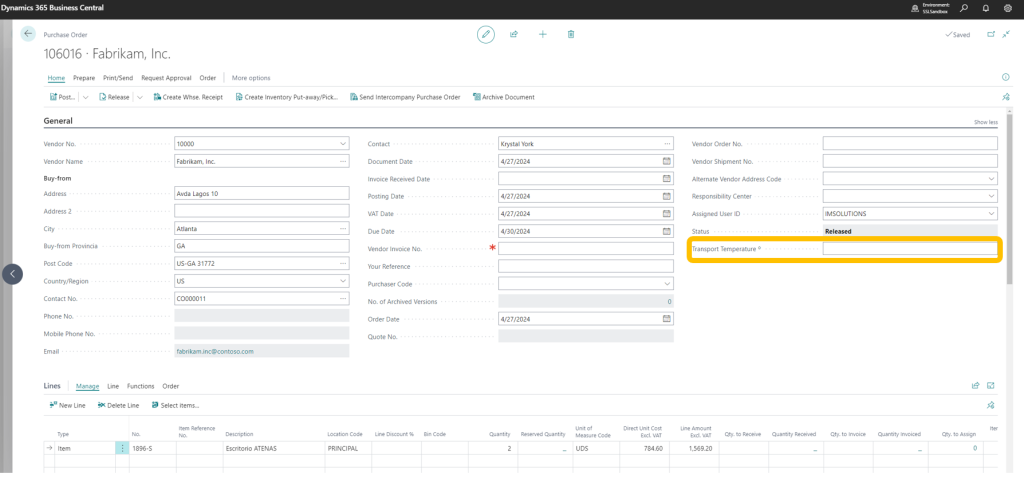
Let’s do an example of Additional Fields: Our Quality Control Department decides that each order’s transportation temperature must be introduced by the operator when a Purchase Order is received. We have created a new field in the Purchase Order Header to introduce this information:
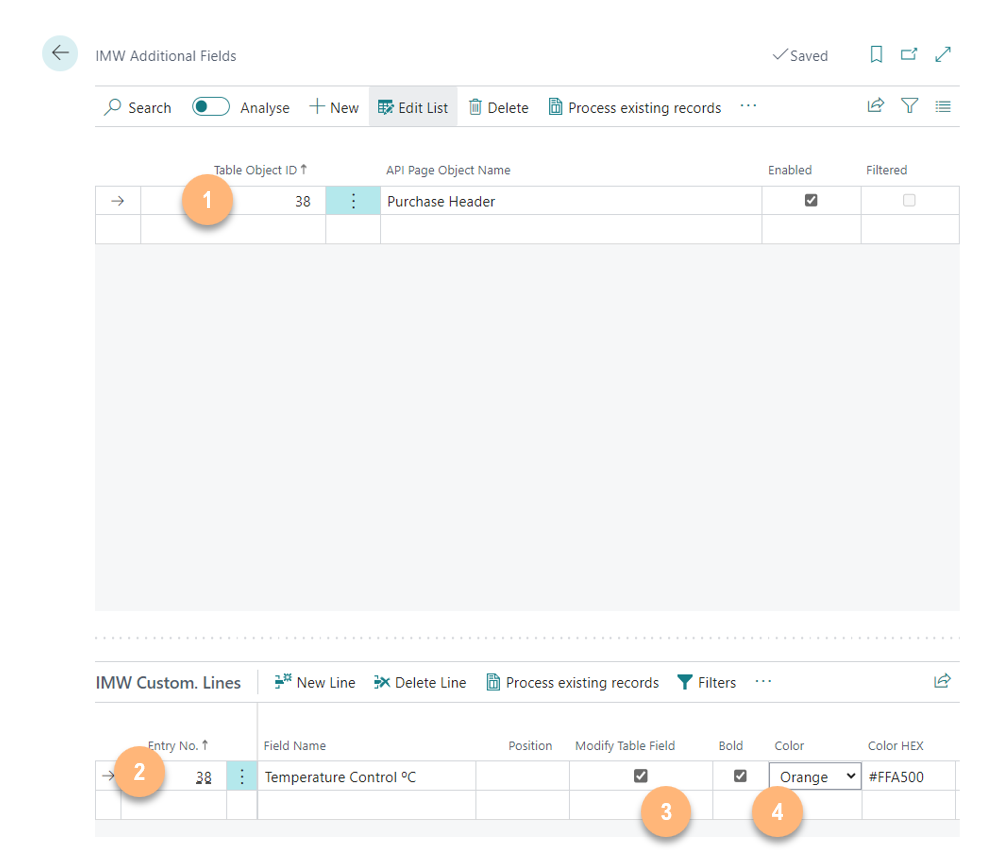
Go to the corresponding option of the main menu:

Press the New option and select the table and the field to be enabled:
- Select the field table
- Select the field
- Define if it can be modified by the operator
- Color and Bold of the field
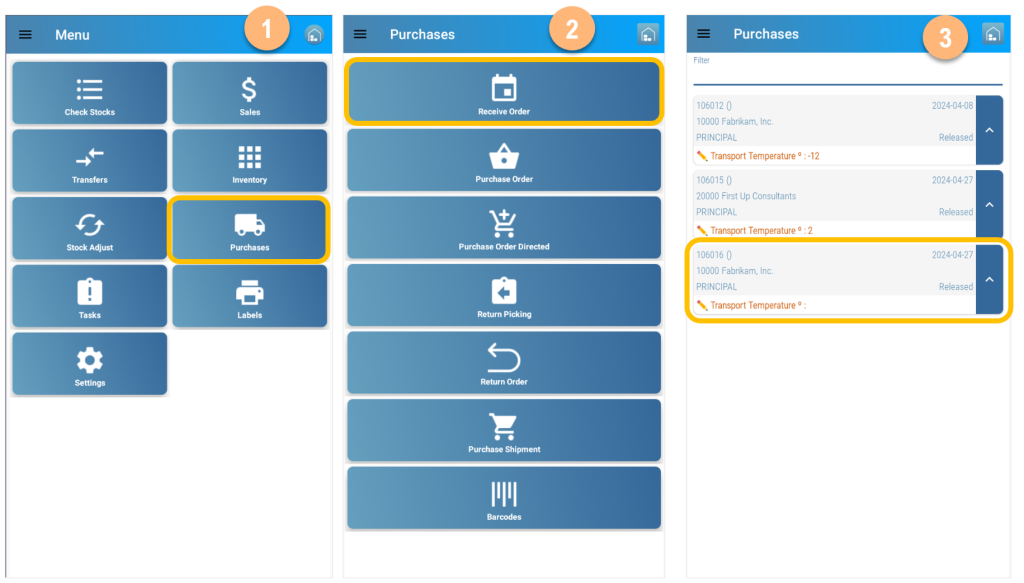
In IM Warehouse, select Purchase Order Reception
- Select Receive Order from the Secondary Menu
- Select the Receive Order
- Select the corresponding Order and click on the field
- Introduce the value and accept
- Value shows in the PO

Then, the value is updated in the Business Central Purchase Order Header